How to redeem gift card
To redeem a gift card you need to find the “redeem” or “add balance” selection on the gift card brand’s website or app, then enter the gift number or gift card pin to add the gift card balance to your account. in this tutuoral you will learn how to redeem gift card online, in a physical store or redeem for cash.
How to Redeem a Gift Card Online: 4 Simple Steps
Redeeming a gift card online is quick and straightforward. Follow these steps to add your gift card balance to your account and start shopping.
Step 1: Locate Your Gift Card Code
Find the unique claim code printed on the back of your gift card. The code typically consists of 13 to 15 digits and is usually located under a scratch-off surface or silver security strip. Write down or note this number, as you’ll need it to complete the redemption process.
Step 2: Visit the Official Brand Website
Head to the official website of the gift card brand’s that issued your gift card. Make sure you’re on the legitimate site to protect your account information. Common examples include Amazon, Apple, Target, and other major retailers.
Step 3: Redeem Your Gift Card
Log into your account and look for a “Redeem Gift Card,” “Add Gift Card,” or “Redeem Code” link. This option is typically found in your account settings, the payment section, or under a “Billing & Payment” menu. Enter your 13 to 15-digit claim code in the specified field and submit. Your gift card balance will be added to your account rigthway.
Step 4: Complete Your Purchase
Once redeemed, your gift card balance will be available in your account balance. When you’re ready to make a purchase, the amount will automatically be deducted from your total before you need to enter payment information. Any remaining balance stays in your account for future purchases.
How to Redeem a Gift Card in a Physical Store: 3 Easy Steps
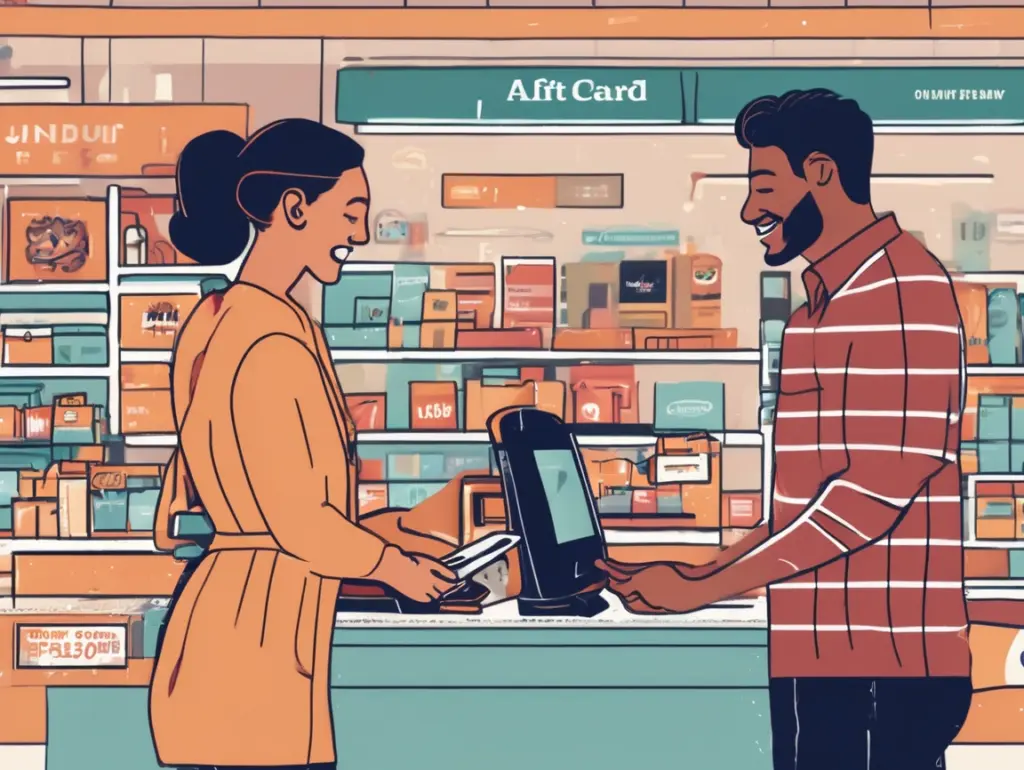
Redeeming a gift card in person is probably the easiest way to use it. Just take it to the store near you, hand it over at checkout, and you’re done. Here’s how to do it.
Step 1: Find Gift Card Code
To get the gift card ready for use, Scratch the seal of the code to reveal the code.
Step 2: Bring Your Card to the Store
Take your gift card with you when you head out shopping. Just keep it in decent shape don’t fold it up or leave it in a hot car, since that can mess with the gift card code has its very easy to faed off or chip and cause problems at the register.
Step 3: Hand It Over at Checkout
When you’re ready to pay, just give your gift card to the cashier. They’ll swipe it, insert it, or tap it depending on what the store uses. Your purchase will be deducted from the card right there. If you’re buying more than what’s on the card, you can just pay the rest with another payment method. Whatever’s left over stays on the card for next time.
How to Redeem a Gift Card for Cash: 3 Simple Steps
Sometimes you buy or receive a gift card for a store you’ll never get to. You will only have one best option which is to redeem it for cash instead of letting it go to waste; Here’s an easy way to do that
Step 1: Find a Gift Card Exchange Service
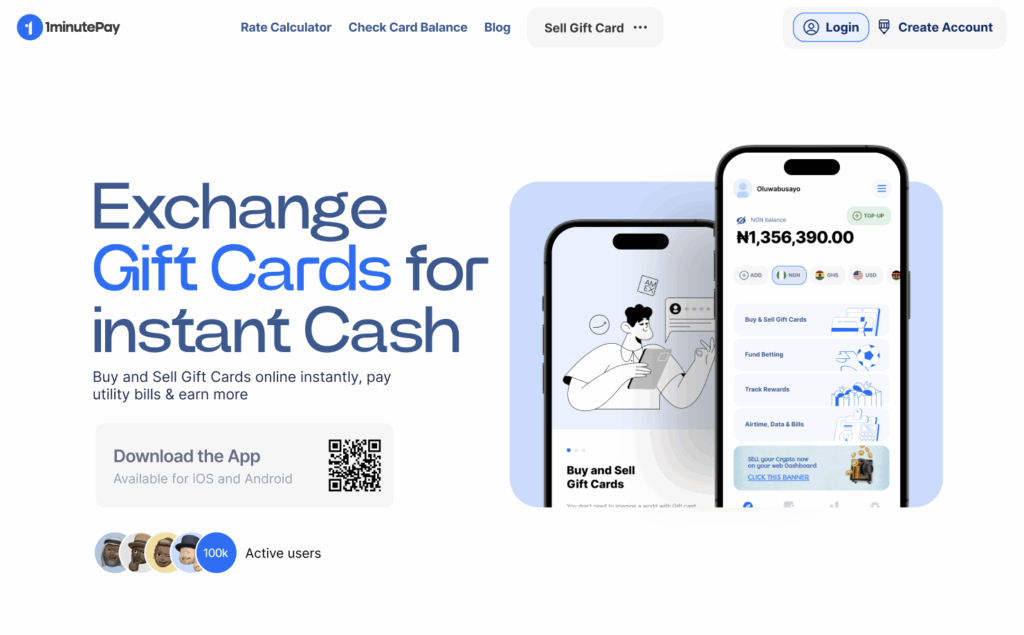
Start by searching for a gift card exchange platform online. There are tons of apps and websites out there that specialize in converting gift cards to cash. with a good review 1minutepay handles over 80 types of gift card brands.
Step 2: Enter Your Gift Card Information
Sign up for an account on the platform and follow their process. You’ll need to enter your gift card details and then wait for the website to comfrim your transcation which takes few minutes to be compelted
Step 3: Get Your Cash
Once the platform verifies your card, You will be able to withdraw to your prefred bank account, Digital wallet or Crypto wallet. if you will prefer a flexable platfrom that allow muitiple payment option then chose 1minutepay has they have over 17 payment options to choose from.